
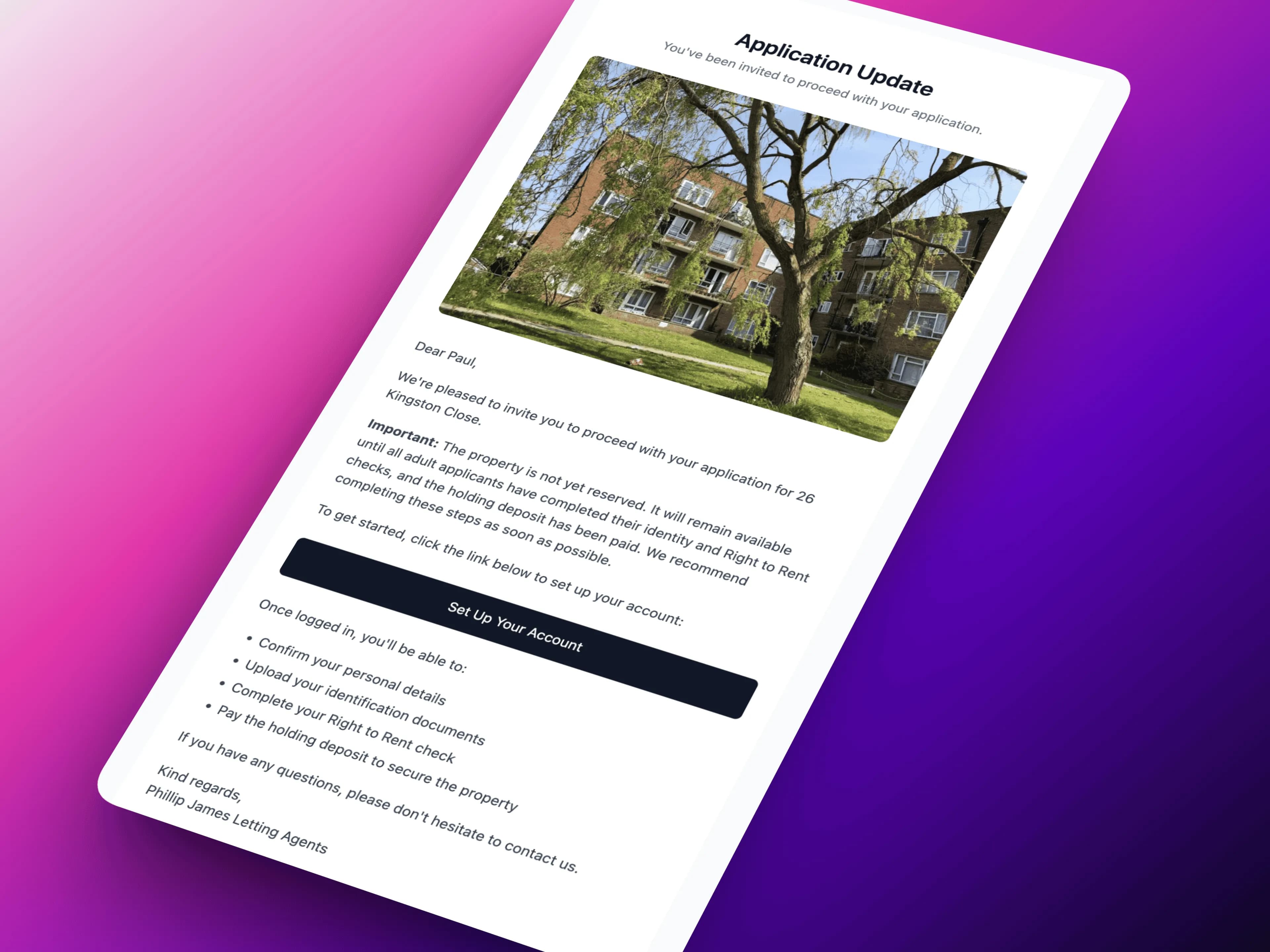
You've reviewed the application and made a decision. The couple are suitable, their references look promising, you want to proceed. Now you need to tell them.
You open your email client. Draft a message explaining they've been accepted. Include the property details, payment amounts, next steps, and link to the portal. Double-check the figures. Send.
Then you realise there are two applicants - you only emailed one. Draft another email for the second person. Send that too.
Then you remember you should probably text them as well - email sometimes gets missed. Type out a text message. Send.
Twenty minutes later, you've communicated your decision. Not difficult, but tedious. And this happens for every application you accept.
We've automated it.
Invite to Proceed: One Click, Everyone Informed
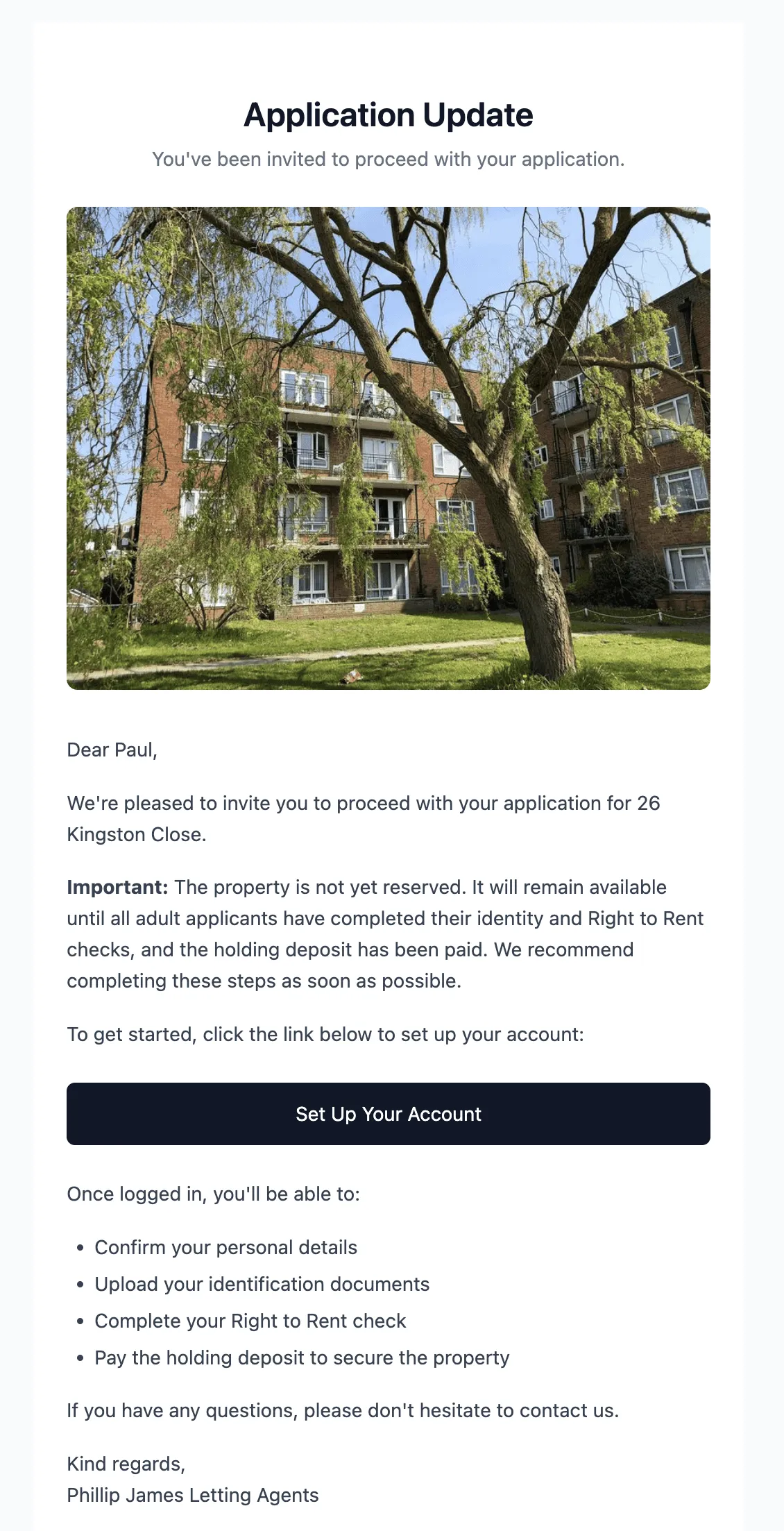
When you're ready to accept an application in LetAdmin, there's now a single "Invite to Proceed" button. Click it, and the system handles everything:
What Happens Automatically
Branded Email to All Applicants
Each applicant receives a professional email that includes:
- Property photo (first impression matters)
- Confirmation that they've been accepted
- Payment breakdown (holding fee, first month's rent, deposit balance)
- Link to their applicant portal
- Your agency contact details
- Instructions for next steps
The email is styled with your agency branding - logo, colours, fonts. It looks like it came from your agency, because it did. Just automated.
SMS Notification
If applicants provided mobile numbers, they also receive a text message:
"Great news! Your application for [Property Address] has been accepted. Check your email for next steps and payment details."
This catches people who might miss an email in their inbox. The text prompts them to check email for the full details.
Portal Access
The invitation creates (or activates) each applicant's portal account. They can log in immediately to:
- Confirm their details
- Upload required documents
- See the payment breakdown
- Track their application progress
All from one button click on your side.
Customisable Templates
Every agency communicates differently. The invitation email template is fully customisable in Agency Settings:
What You Can Customise
Opening Message
- Personalised greeting style
- Congratulatory tone
- Agency-specific welcome text
Payment Instructions
- Bank details for transfers
- Payment reference formats
- Deadline messaging
Next Steps
- What applicants should do first
- Timeline expectations
- Contact information for questions
Closing
- Signature style
- Additional notes
- Terms and conditions links
Set your templates once, and every invitation uses them automatically. Update them any time as your process evolves.
Dynamic Content
Templates support placeholders that populate automatically:
{{applicant_name}}- Individual applicant's name{{property_address}}- Full property address{{holding_fee}}- Calculated holding fee amount{{first_months_rent}}- Rent amount{{move_in_date}}- Proposed move-in date{{portal_link}}- Unique login link for portal
This means each email feels personal while being completely automated.
Real-World Example: Accepting an Application
Before Invite to Proceed:
- Review application, decide to accept
- Open email client
- Draft acceptance email with property details
- Look up holding fee amount
- Calculate total payments due
- Find portal link or create account
- Send email to applicant 1
- Send separate email to applicant 2
- Write SMS for applicant 1
- Write SMS for applicant 2
- Update application status in system
Time spent: 25-30 minutes
With Invite to Proceed:
- Review application, decide to accept
- Click "Invite to Proceed"
- Done
Time spent: 2 minutes
The emails and SMS go out instantly. Portal accounts are ready. Application status updates automatically. You've saved 25 minutes and sent more professional communications than you would have manually.
Activity Logging
Every communication is logged in the applicant's timeline:
- Invitation email sent (with timestamp)
- SMS notification sent (if applicable)
- Portal account created
- Email opened (if tracking enabled)
This creates a clear audit trail. If someone claims they never received the invitation, you can see exactly when it was sent and whether it was opened.
Joint Application Handling
For joint tenancies with multiple applicants, Invite to Proceed handles everyone:
- Each applicant receives their own email
- Each applicant gets their own portal access
- Progress is tracked individually (did both confirm details? did both upload documents?)
No need to send separate communications or track multiple email threads. One button, everyone's covered.
What This Means for Your Agency
Faster communication - Applicants hear within seconds of your decision, not hours.
Professional presentation - Branded, consistent emails every time.
Less manual work - One click replaces 25 minutes of drafting.
Better tracking - All communications logged automatically.
For agencies processing 10-20 applications per month, this could save 5+ hours in communication time - and make every acceptance feel more professional.
We'd Love to Hear from You
How do you currently communicate with approved applicants?
What information do you include in acceptance messages?
How long does it typically take from decision to communication?
We're building LetAdmin to handle the routine work so you can focus on decisions. Drop us a message - we'd love to hear about your application acceptance workflow.
LetAdmin is in active development, designed for letting agents who want professional systems without the manual work. If you're drafting the same emails repeatedly, we should talk.